Explore the Full Site
Every IPTV topic we cover
This site is organized by topic, not just by page. Each guide below covers one part of IPTV in full — pick whichever matches what you're trying to figure out.
🏆
We compare the top IPTV services on channel count, stream stability, device support, and price so you're not relying on marketing claims alone. Every provider we cover is evaluated the same way: real uptime data, buffering behavior under multiple simultaneous streams, and how fast support actually responds. If you're still deciding between options rather than ready to subscribe, this is the place to see how they stack up.
🔍
Not every IPTV provider is worth your money, and the difference often isn't obvious until after you've paid. This section breaks down exactly what separates a stable, well-run provider from a risky one — server infrastructure, EPG accuracy, trial policies, and the red flags that tend to show up before a service falls apart. Read it before you commit to anyone, including us.
💳
Our own plans, explained plainly: monthly, quarterly, and annual terms, from 1 to 6 simultaneous connections, starting at $14.99. This is where you'll find exact pricing, what each plan includes, how billing and renewal work, and how to size a plan to your household — no contracts, no hidden fees, just the numbers laid out so you can compare them yourself.
🇺🇸
Everything specific to watching IPTV in the United States: local network channels by city, NFL and other live sports coverage, 4K streams, and dedicated guides for French, Italian, Spanish, and Brazilian-Portuguese channel packages. If you're in the US and want to know exactly what you'll get before you subscribe, this is the most detailed section of the site.
📡
A complete breakdown of what's included in the channel lineup — sports (with dedicated coverage for the Premier League, Champions League, La Liga, Serie A, and more), movies, TV series, news, kids' programming, and 4K content. If you want to know exactly what you'd be watching before you sign up, this is where to look first.
🛒
Buying IPTV isn't quite like buying most other subscriptions — there are scam patterns specific to this space, and knowing them before you pay makes the difference. This section covers accounts vs. links vs. codes, accepted payment methods, group buys, gifting a subscription, and the red flags that separate a legitimate seller from one worth walking away from.
🔥
Amazon Fire Stick is the most common device our subscribers use, so it gets the deepest coverage on the site: installation, sideloading, the best apps to run it on, 4K setup, and fixes for buffering or apps that stop loading. If Fire Stick is your device, this is the fastest path from unboxing to actually watching.
📺
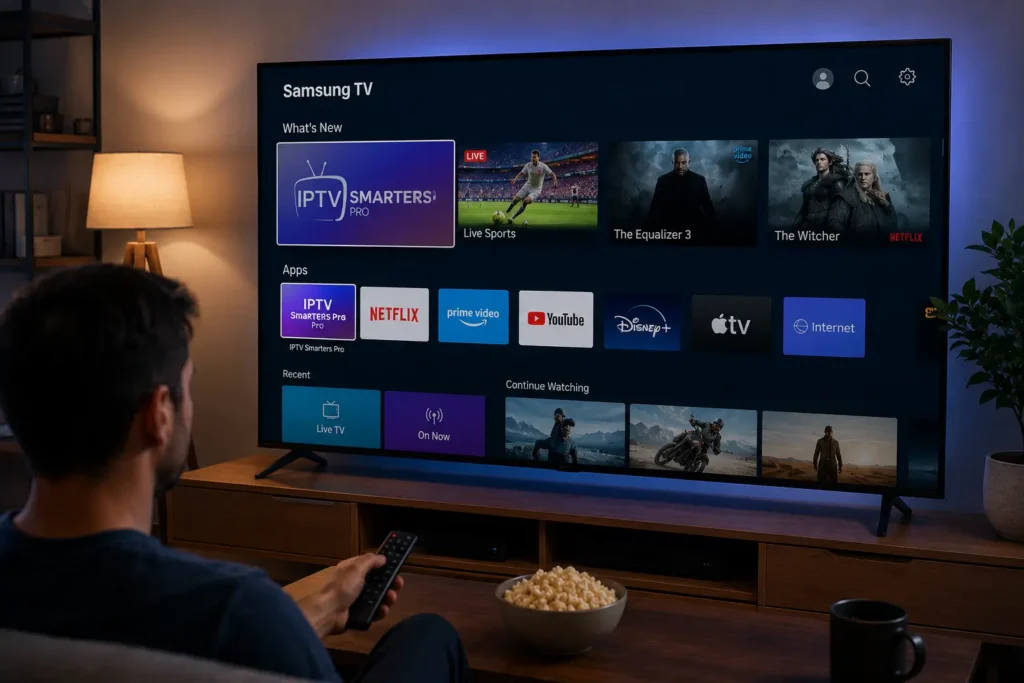
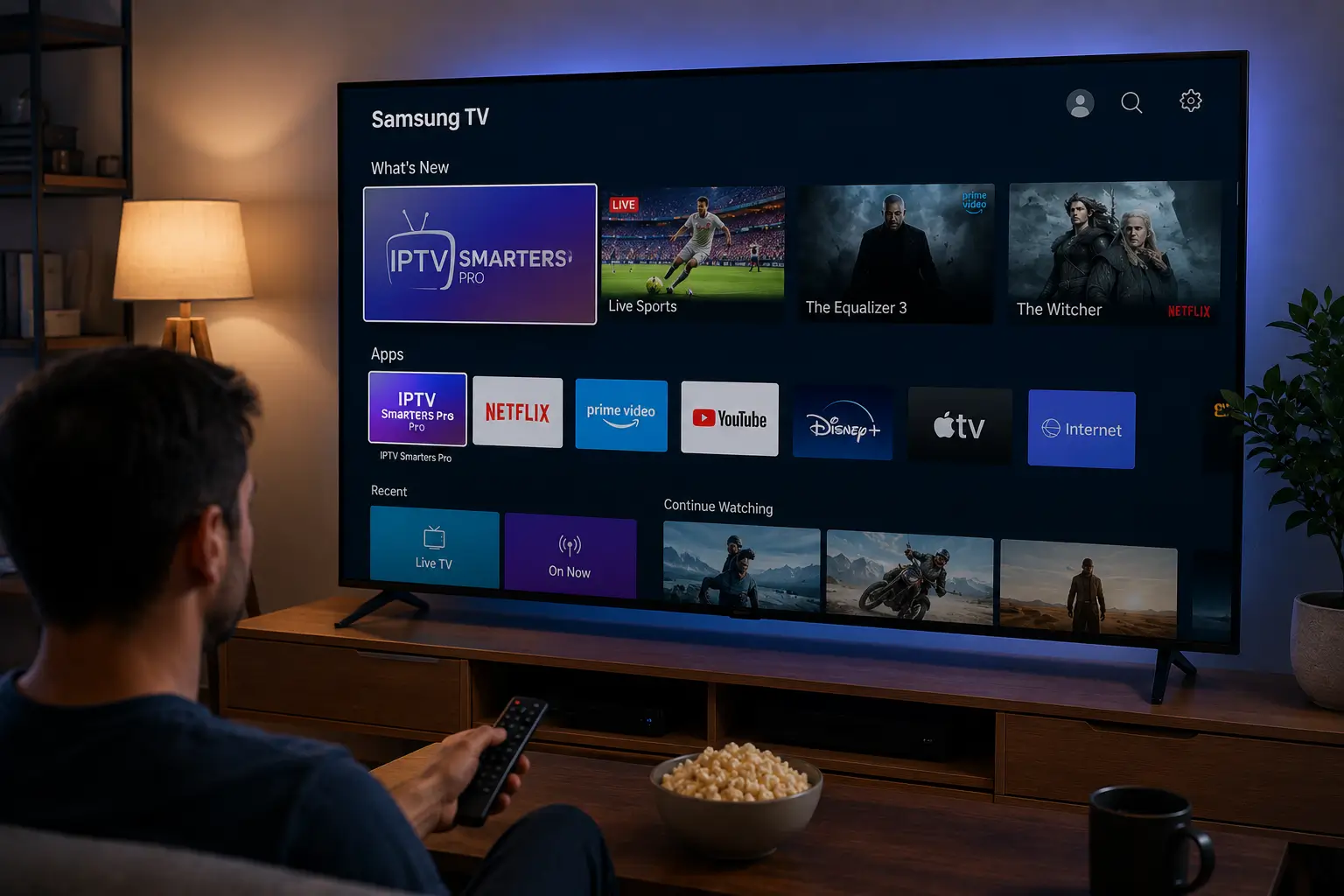
Setup steps for watching IPTV directly on a Samsung, LG, or Android TV without adding a separate streaming box — which apps work natively on each platform, how to add your playlist, and where the setup process differs by brand. If you'd rather not put another device under the TV, this covers doing it with what you already own.
🟣
Roku handles IPTV differently than Fire Stick or Android, and this section walks through exactly what that means for you — which channel guide app to use, how to get true 4K playback on a Roku device, and what to expect from Roku's more limited app ecosystem compared to other streaming devices on this list.
👨👩👧👦
A guide to sizing a plan around how many screens you actually use at the same time — 2 connections for a couple, 3 for a small family, 6 for a large household — plus what happens if you go over your connection limit and how much internet bandwidth simultaneous streams really require.
▶️
TiviMate is the IPTV player most of our subscribers end up using long-term, and this section covers it in full: installation, adding your playlist, EPG setup, recording live TV, premium features, and fixes for the errors that come up most often. If you've heard TiviMate recommended and want to know why, this explains it.
📱
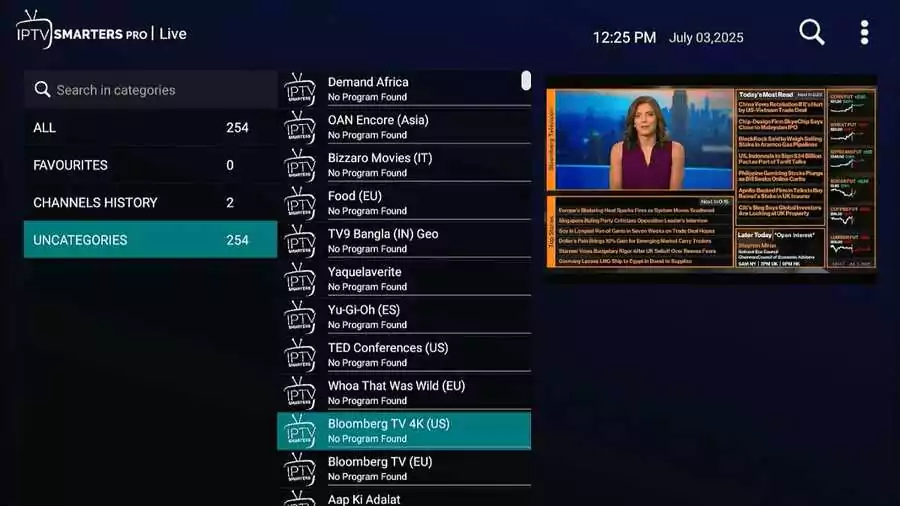
IPTV Smarters Pro is a free, widely supported player available on nearly every platform — Fire Stick, Samsung, iOS, Windows, and more. This section covers installing it on each device, adding your credentials, configuring the program guide, and troubleshooting the black-screen and login errors that are most common with this particular app.
🍏
GSE Smart IPTV is the strongest option for Apple TV and iOS specifically, where some other players are more limited or unavailable. This section covers installing it from the App Store, adding an M3U or Xtream Codes playlist, EPG configuration, and fixes for the app when channels won't load or the playlist fails.
🎬
For subscribers who already run Kodi as their media center, this covers adding IPTV the right way — through the official PVR IPTV Simple Client — with playlist and EPG setup, the safest official add-ons to use, and fixes for the buffering and configuration errors that come up most often in Kodi specifically.
🖥️
A more technical look at what's actually happening behind the scenes — how IPTV servers work, what separates a stable one from an oversold one, the software providers commonly run them on, and how to test a server's real performance yourself before trusting it with a subscription you're paying for.
🎛️
For anyone building or running IPTV infrastructure rather than just watching it — a technical guide to 4K HEVC encoders, SDI and HDMI input, low-latency SRT streaming, and headend architecture for hotels, venues, or broadcast setups. Aimed at operators and installers rather than typical subscribers looking to watch TV.
🛡️
A straight answer to a question we get often: what a VPN actually protects against when using IPTV, when it genuinely helps, and when it just slows your stream down for no real benefit. Includes setup guidance for Fire Stick and router-level VPN configuration if you decide you want one anyway.
🛠️
One place to find a fix when something's not working — buffering, black screens, app crashes, or EPG issues — organized by device and by app so you can go straight to the fix that matches your exact setup instead of digging through generic troubleshooting advice that may not apply to you.
🏨
Commercial IPTV works a little differently from a home subscription — it's about sizing connections to screens, not just picking a plan. This section covers running IPTV across hotel rooms, bar and restaurant TVs, and other multi-screen commercial setups, with guidance on reliability and connection sizing for busy venues.
🆓
Before you pay for anything, it's worth knowing what free IPTV actually delivers versus a paid subscription — including free trials, free M3U lists floating around online, and the real limitations and risks that come with them. Honest expectations here, not a sales pitch dressed up as one.
📘
If you're new to IPTV entirely, start here. This section explains what IPTV actually is, how it differs from cable and from streaming services like Netflix, the technology behind it (M3U, Xtream Codes, EPG), realistic bandwidth requirements, and a straight answer to whether IPTV is legal in the United States.
✍️
Ongoing guides and how-tos that don't fit neatly into one category above — stream format comparisons, adding IPTV to Plex, using an over-the-air antenna alongside a subscription, and other practical write-ups for subscribers who want to get more out of a setup they already have.